# ---------------------------------------------------------------------------- #
# --------------------------- PSReadLine and prompt -------------------------- #
# ---------------------------------------------------------------------------- #

Set-PSReadLineOption -EditMode Emacs
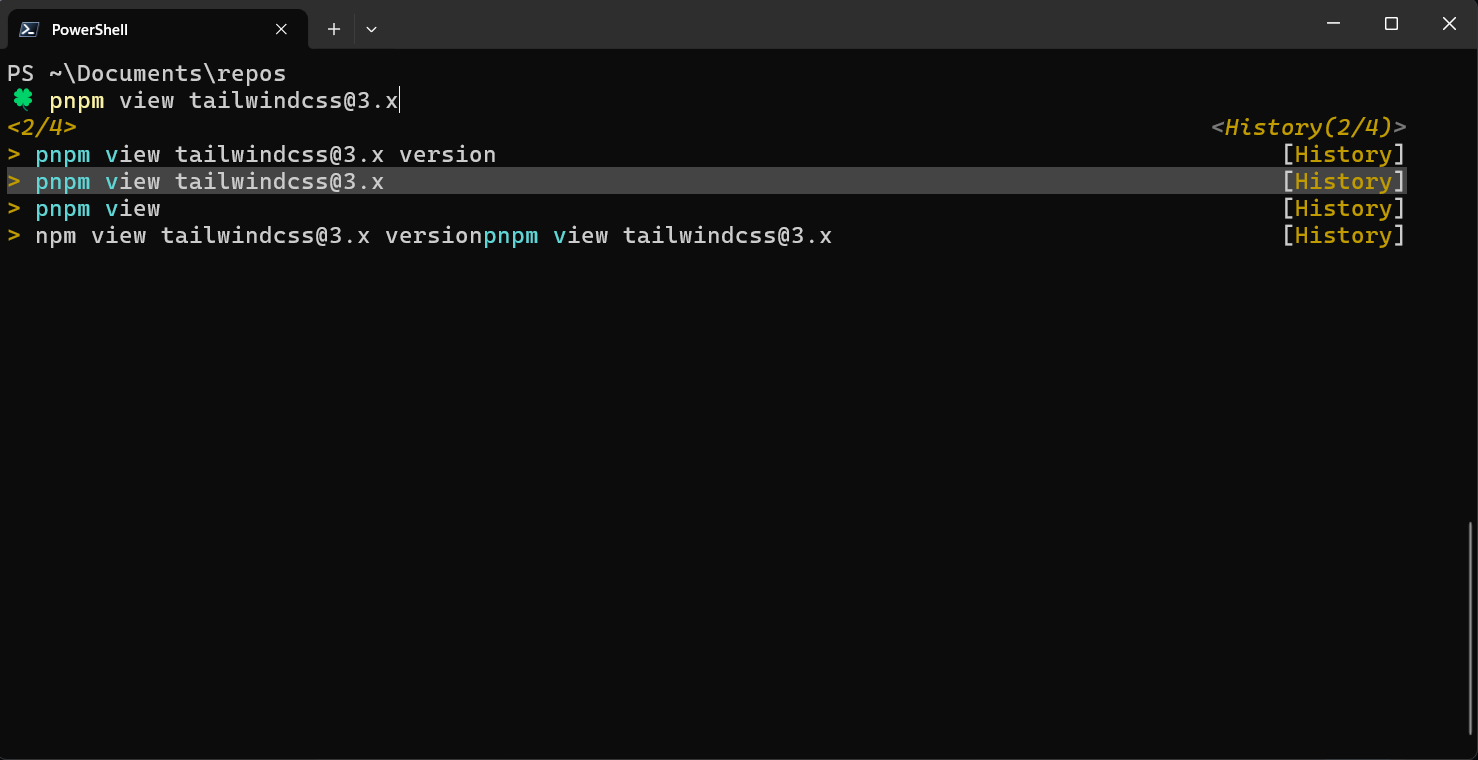
Set-PSReadLineKeyHandler -Function HistorySearchBackward -Chord UpArrow
Set-PSReadLineKeyHandler -Function HistorySearchForward -Chord DownArrow
Set-PSReadLineKeyHandler -Function MenuComplete -Chord Tab
Set-PSReadLineOption -PredictionSource HistoryAndPlugin

$env:Path = @(
   [System.Environment]::GetEnvironmentVariable("Path", "Machine"),
   [IO.Path]::PathSeparator,
   [System.Environment]::GetEnvironmentVariable("Path", "User")
) -join ''

function prompt {
   "PS $($executionContext.SessionState.Path.CurrentLocation.Path.Replace($HOME, '~'))`n🍀 "
}

# ---------------------------------------------------------------------------- #
#                                  completion                                  #
# ---------------------------------------------------------------------------- #

Register-ArgumentCompleter -Native -CommandName dotnet -ScriptBlock {
  param($commandName, $wordToComplete, $cursorPosition)
  dotnet complete --position $cursorPosition "$wordToComplete" | ForEach-Object {
    [System.Management.Automation.CompletionResult]::new($_, $_, 'ParameterValue', $_)
  }
}

# https://github.com/rehnarama/pwsh-git-completion
# Register-GitCompletion

# https://cli.github.com/
# gh completion -s powershell | Out-String | iex

# docker completion powershell | Out-String | iex